
.svg)
Why Your Google Ads Are Not Converting


If your Google Ads account is spending money, generating clicks, and showing decent click-through rates (CTRs), but your Google Ads are not converting, you are not alone.
We see this exact scenario play out time and time again. New media buyers or growing eCommerce brands launch their campaigns, start spending money, and wonder why the sales aren't rolling in.
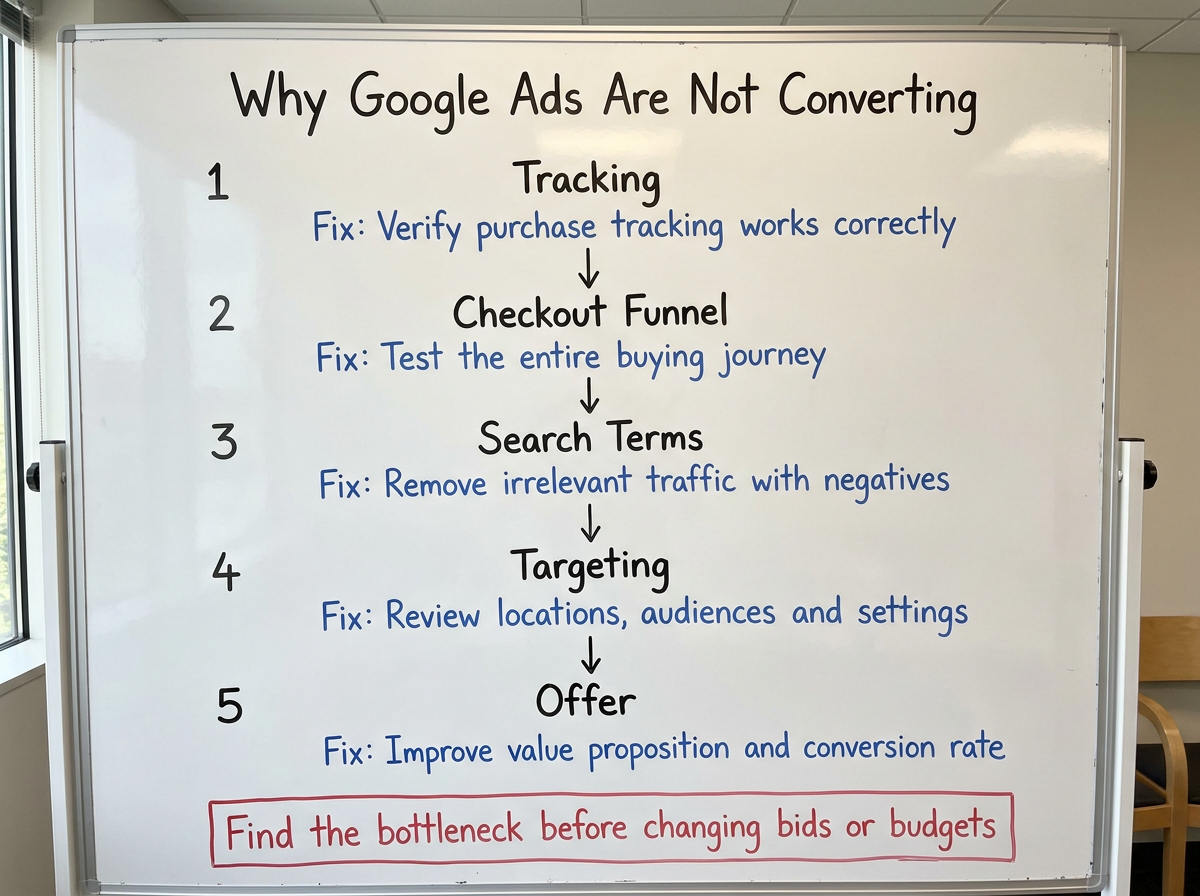
The brutal truth? Most of these broken campaigns are bleeding money in five specific places. The good news is they all take less than an hour to audit and fix. If you are paying premium prices for traffic that isn't turning into revenue, here is the exact five-step diagnostic process we use at Echelonn to stop burning your budget and start driving profitable sales.
If you'd rather watch a video breakdown instead of reading, just press play below:
1. Check Your Conversion Tracking First
The Tracking Death Trap Killing Your Campaign Performance
Let's start with the most obvious technical culprit. If your primary purchase tag isn't firing correctly, Google's AI sees no value coming from your campaign and starts choking on your traffic.
This is what we call the tracking death trap. In our experience, tracking issues are responsible for roughly 67% of the Google Ads accounts we see spending money without generating conversions.
Most businesses set up conversion tracking once and never question it again. But here's what actually happens. A developer pushes a website update, your Google Tag Manager (GTM) container doesn't get published, or someone accidentally creates duplicate tags. Suddenly, the data Google relies on is no longer accurate, and campaign performance starts heading in the wrong direction.
How to Audit Your Conversion Tracking
Start by heading into Google Ads and checking your conversion actions. Your Purchase action should be set as the primary action. If it isn't, Google isn't optimising towards actual sales.
Next, open Google Tag Assistant and run a test purchase. Follow the journey all the way through to the thank-you page and confirm that the purchase tag fires correctly. If it doesn't, you've found your leak.
The most common issue we see is a website update going live without the latest GTM container being published. That's why we always recommend keeping a secondary purchase tag active as a backup.
You should also create custom columns to surface discrepancies day by day. More than once, a backup tag has alerted us to a primary tag going dark before performance suffered. The takeaway is simple: if Google can't see purchases, it can't optimise for them.
2. Test Your Entire Checkout Funnel
The Silent Funnel Killer Most Advertisers Never Notice
Even if your conversion tracking is perfect, there's another problem that can quietly destroy performance: a broken checkout funnel.
This is one of the most common issues we see in eCommerce accounts. We've seen checkout issues block as much as 89% of potential revenue in accounts where the ads themselves were performing just fine. The ads are generating clicks, traffic is landing on the website, and the data inside Google Ads looks healthy. CTRs are strong, CPCs are reasonable, and everything appears to be working as expected.
But sales never come through. The reason is simple. Google can see people clicking your ads, but it can't tell you whether someone is hitting an invisible barrier during the buying process.
A broken checkout, a faulty form, a payment issue, or even a new app installation can stop customers from completing their purchase without anyone noticing. That's why it's critical to test the entire customer journey yourself, not just rely on the data inside Google Ads.
Check the "Holy Trinity of Alignment"
The first thing to review is what we call the holy trinity of alignment:
- Search query
- Ad copy
- Landing page
Every stage should match the intent of the person searching. If someone searches for a specific product, clicks an ad promising that product, and lands on a generic category page, you've created friction. The same applies when your ad promotes one offer but your landing page presents something completely different. Any disconnect between the search query, ad, landing page, and CTA can hurt both conversion rates and Quality Score.
Once you've checked alignment, manually test your entire funnel from start to finish. Submit a form, complete a test purchase, verify every redirect, and confirm that the final thank-you page loads correctly. You'd be surprised how often a new plugin, cookie banner, or website update breaks the checkout flow without anyone realising.
Finally, jump into GA4 and review your Purchase Journey report. Pay close attention to where users are dropping off. For example, if plenty of people are adding products to cart but only 5% of them are reaching checkout or completing a purchase, you've likely found the bottleneck. Your Google Ads campaign might be working perfectly. The problem could simply be that your website is getting in the way of conversions.
3. Audit Your Search Terms And Negative Keywords
The Most Expensive Mistake in Google Ads
This is where your ad budget can quite literally go down the drain.
One of the most expensive mistakes in Google Ads is paying for traffic that was never going to convert in the first place. Your campaigns may be generating clicks, but if those clicks are coming from people with no intention of buying, you're simply paying premium prices for worthless traffic.
The reality is that broad targeting and poorly managed negative keyword lists can drain your budget faster than almost anything else in your account. Left unchecked, Google's AI will happily keep finding clicks. The problem is that clicks don't pay the bills. Customers do.
Stop Paying for People Who Will Never Buy
The fastest way to diagnose this issue is by reviewing your Search Terms report. Head into Google Ads and look at the actual queries triggering your ads. Then start removing searches that don't reflect a buying mindset.
Common examples include:
- How to
- What is
- Free
- DIY
- Tutorial
These are typically research or discovery searches, not purchase searches. For example, if you're selling fitness equipment and your ads are showing for searches like "gym equipment rental prices", you're paying for people who want to rent equipment, not buy it.
This is where negative keywords become critical. Regularly review your Search Terms report and add irrelevant queries to your negative keyword list, especially in prospecting campaigns where Google has more freedom to explore traffic.
One mistake we see repeatedly is advertisers relying on strong branded performance to mask weak prospecting performance. Branded traffic often converts well, which can hide the fact that your non-branded campaigns are wasting budget on irrelevant searches. That's why it's important to separate branded and prospecting traffic wherever possible and evaluate them independently.
When it comes to match types, keep things simple:
- Use Exact Match for proven, high-converting keywords.
- Use Phrase Match to discover relevant variations.
- Use Broad Match carefully and only when Google's Smart Bidding has enough accurate conversion data to optimise effectively, alongside a tightly managed negative keyword list.
4. Review Your Campaign Targeting Settings
The Budget Leak Hidden in Your Campaign Settings
By this point, you've verified your conversion tracking, tested your checkout funnel, and cleaned up your search terms. But there's another leak that quietly drains ad spend in countless Google Ads accounts.
Your campaign settings may be sending traffic from locations you don't serve or from users who were never likely to convert in the first place. The result? Higher costs, lower conversion rates, and misleading performance data. The frustrating part is that most advertisers never think to check these settings because everything appears to be working normally on the surface.
Why "Presence and Interest" Can Destroy Performance
For every bottom-of-funnel and middle-of-funnel campaign, review your location targeting settings carefully. Your targeted locations should only include the regions where you can actually sell your product or service. Don't assume Google is only showing your ads to people physically located in those markets.
By default, many campaigns are set to Presence or Interest. That sounds harmless, but it can create a major performance problem. When this setting is enabled, Google may show your ads to people who are interested in your target location but aren't actually located there. For example, if you're targeting the United States, your ads could be shown to someone sitting in another country who has shown interest in US-related content.
Those clicks still cost money. In many cases, they have little chance of ever turning into customers. For most eCommerce and lead generation campaigns, we recommend using Presence targeting instead. This ensures your ads are shown to people who are physically located in the regions you serve.
While you're there, review your language settings as well. If your website and sales process are only available in English, make sure your campaigns aren't opening the door to traffic that can't fully engage with your offer. This takes less than five minutes to check, but it can eliminate a surprising amount of wasted spend.
“Leaving "Presence and Interest" enabled can quietly drain your budget. You're paying for clicks from people who may be interested in your target market but have little chance of ever becoming customers.”
5. Pressure-Test Your Offer
The Hardest Truth About Google Ads Performance
If you've audited your tracking, tested your checkout funnel, cleaned up your search terms, and tightened your targeting settings, but sales are still nowhere to be found, there's one final culprit to consider.
And it's often the hardest one to accept. The problem may not be technical at all. It may be your offer.
At this point, Google Ads is doing exactly what it's supposed to do. It's putting your product in front of relevant buyers. The traffic is arriving. People are clicking. They're interested enough to visit your website. They're just not convinced enough to buy.
Your Traffic Wants the Product, But Your Offer Isn't Closing the Sale
One of the biggest mistakes advertisers make is assuming that weak conversion rates automatically mean something is wrong with the campaign. In reality, strong click-through rates combined with poor conversion rates often point to a completely different problem.
People want what you're advertising. They just aren't convinced by what they see when they land on your website. This is where you need to pressure-test every part of your value proposition.
Ask yourself:
- Is your pricing competitive compared to the top alternatives in the market?
- Do you offer a guarantee, trial, or another form of risk reversal?
- Is there genuine urgency behind the offer?
- Are your bonuses or incentives actually valuable to your target customer?
- Is your value proposition immediately obvious on the landing page?
If people are clicking but not converting, there's usually a disconnect between the promise in the ad and the offer being presented on the page. The simplest way to diagnose this is through testing. Create a completely different offer or value proposition and run it against your current version. Test different guarantees, bundles, bonuses, pricing structures, or messaging angles.
Sometimes, a 50% price increase with better bonuses outperforms a cheap offer by 300% because the perceived value is significantly higher.
The key takeaway is simple: if people are clicking but not buying, don't just blame the campaign. The traffic may be doing exactly what it should. The real issue could be that your offer isn't giving buyers a compelling enough reason to convert.
The Bottom Line: Your Google Ads Are Not Converting Because You Don’t Have the Fundamentals Right
The reality is that most Google Ads campaigns don't fail because of a bidding strategy problem or a lack of budget, but because something fundamental is broken.
In our experience, the vast majority of accounts that are spending without converting can be traced back to one of these five areas: tracking, checkout flow, keyword intent, targeting settings, or the offer itself. Start with the first three. Audit your conversion tracking. Test your checkout process. Clean up your search terms. More often than not, that's where you'll find the leak. And once you fix it, Google Ads becomes a lot easier to scale.

Ready To Start Scaling Today?
Scaling Your Favorite eCommerce Brands To The Highest Levels Through Google & YouTube Ads.

.svg)
Get Smarter About How To Scale Your Brand...
Discover Insider Knowledge On How We Scale Brands From 7 Figures All The Way Up To 8-9 Figures With Google Ads.
.svg)
.svg)
"The best Google ads agency there is. You only need to look at the quality of clients and the reviews to understand Jackson and his team are the real deal."

"One of the best in the agency space, great service and exceptional results. Since signing on with Jackson he has become one of our greatest assets when scaling."

"Top tier team & service delivery. Jackson is relentless when it comes to fulfilment & client needs. His attention to detail during the onboarding process ensured exponential results for my coaching business. If you're looking to elevate your ad results & learn a tone of new options/skills that can be implemented to drive more sales to your business then I'd strongly recommend Echelonn."

"From the very first conversation with Jackson and his team, it was clear that we had found a Google Ads agency that prioritises results above all else. Their collaboration between data-driven experts and a skilled copywriter creates a dynamic duo for Google advertising success..."

"Been working with them for 9 months and it's been a great experience. Jackson and his team know what they are doing and always goes above and beyond. If you're looking for a reliable Google ads agency this is the one."

"The best Google ads agency there is. You only need to look at the quality of clients and the reviews to understand Jackson and his team are the real deal."
"One of the best in the agency space, great service and exceptional results. Since signing on with Jackson he has become one of our greatest assets when scaling."
"Top tier team & service delivery. Jackson is relentless when it comes to fulfilment & client needs. His attention to detail during the onboarding process ensured exponential results for my coaching business. If you're looking to elevate your ad results & learn a tone of new options/skills that can be implemented to drive more sales to your business then I'd strongly recommend Echelonn."
"From the very first conversation with Jackson and his team, it was clear that we had found a Google Ads agency that prioritises results above all else. Their collaboration between data-driven experts and a skilled copywriter creates a dynamic duo for Google advertising success..."
"Been working with them for 9 months and it's been a great experience. Jackson and his team know what they are doing and always goes above and beyond. If you're looking for a reliable Google ads agency this is the one."
More Articles Like This.
Find answers to common queries about our services and how we can help you.
.svg)
How To Rank Your Google Shopping Ads Multiple Times
Why Your Google Ads Scale Breaks After $X Per Day
How to Tell if Your Google Ads Agency Is Underperforming
Why Your Performance Max Campaign Gets Clicks but No Sales
.png)
Why Your Google Ads Budget Isn't Spending (And How to Fix It)

The Right Way to Run Google Dynamic Search Ads
How to Get New Customers With Google Ads in 2026
Why Your Google Ads CPA Keeps Increasing and How to Reduce It
What Is a Good ROAS for eCommerce Businesses?
How to Set Up Google Ads Conversion Tracking the Right Way
How Much Does a Google Ads Agency Cost?
Why Your Google Ads Are Not Converting
.png)
Average CPC in Google Ads by Industry (And What It Means for Your Strategy)
Performance Max vs. Shopping Campaigns: Which One is Better?

Why Your Google Shopping Ads Get Impressions But No Clicks (Image Optimization Guide)
Why Your Google Ads Are Not Showing

YouTube Ads Targeting Framework That's Driven $10M+ for eCommerce Brands

What Professional Google Shopping Ads Management Looks Like
How Much Do Google Ads Cost in 2026?

Should Your Business Use Google Search Ads or Performance Max?

Performance Max Best Practices for Sustainable Growth
.png)
Google Shopping Ads Audience Targeting: What Actually Impacts Performance
.png)
How to Write Google Search Ads That Actually Convert
.png)
6 Google Shopping Feed Best Practices That Drive Better ROAS
%20(1).png)
How to Get Your Products Recommended by AI (ChatGPT, Google AI & More)
.png)
Common Google Ads Myths That Cost Businesses Money
.png)
7 Benefits of Google Shopping Ads for Your eCommerce Business
.png)
How to Switch Google Ads Agency Without Losing Performance or Data
.png)
Demand Capture vs Demand Generation: Where Google Ads Fits
.png)
How to Prepare Your Business for Working With a Google Ads Agency

How to Avoid Wasting Budget on the Wrong Searches With Google Ads Keyword Match Types
Google Ads Account Ownership: What Businesses Should Know Before Hiring an Agency
.png)
Landing Page Optimization Strategies That Increase Conversions
SEO and Google Ads: How Search Engine Optimization and Paid Search Work Together
Types of Remarketing in Google Ads: How Each One Works and When to Use It
Google Ads Keyword Research: How to Find Keywords That Actually Convert
.png)
What Is Google Performance Max and How Does It Work?
.png)
How Advertorials Support High-Intent Google Ads Funnels
%20(Canva%20Template).png)
How Audience Targeting Works in Google Search Ads (and When to Use It)

Google Ads for New Brands: What to Know Before Spending Your First Dollar
.png)
What Is a PPC Agency – and When It Makes Sense to Hire One
.png)
How to Improve Your Google Ads Conversion Rate

.png)
The Right Way to Link Shopify and Google Ads for Scalable Growth
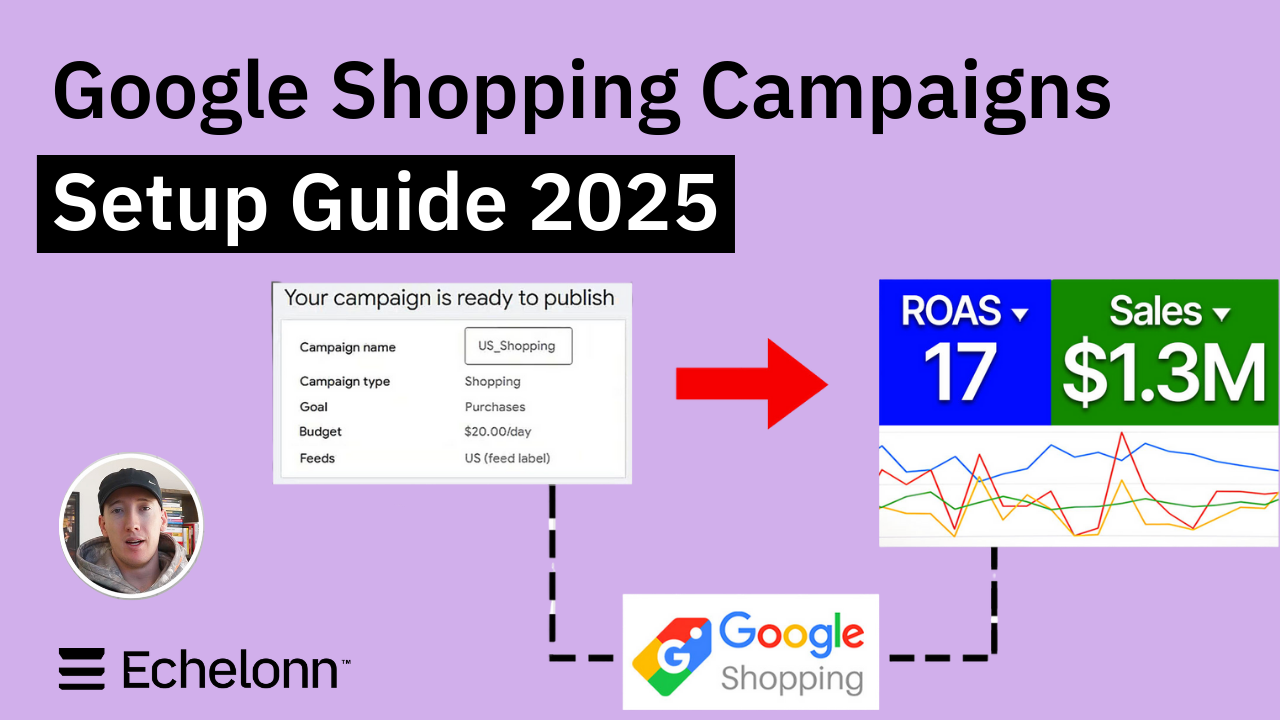
Google Shopping Campaigns Setup Guide 2025
Confessions of a Google Ads Auditor: The Worst Mistakes We See Inside eCom Accounts
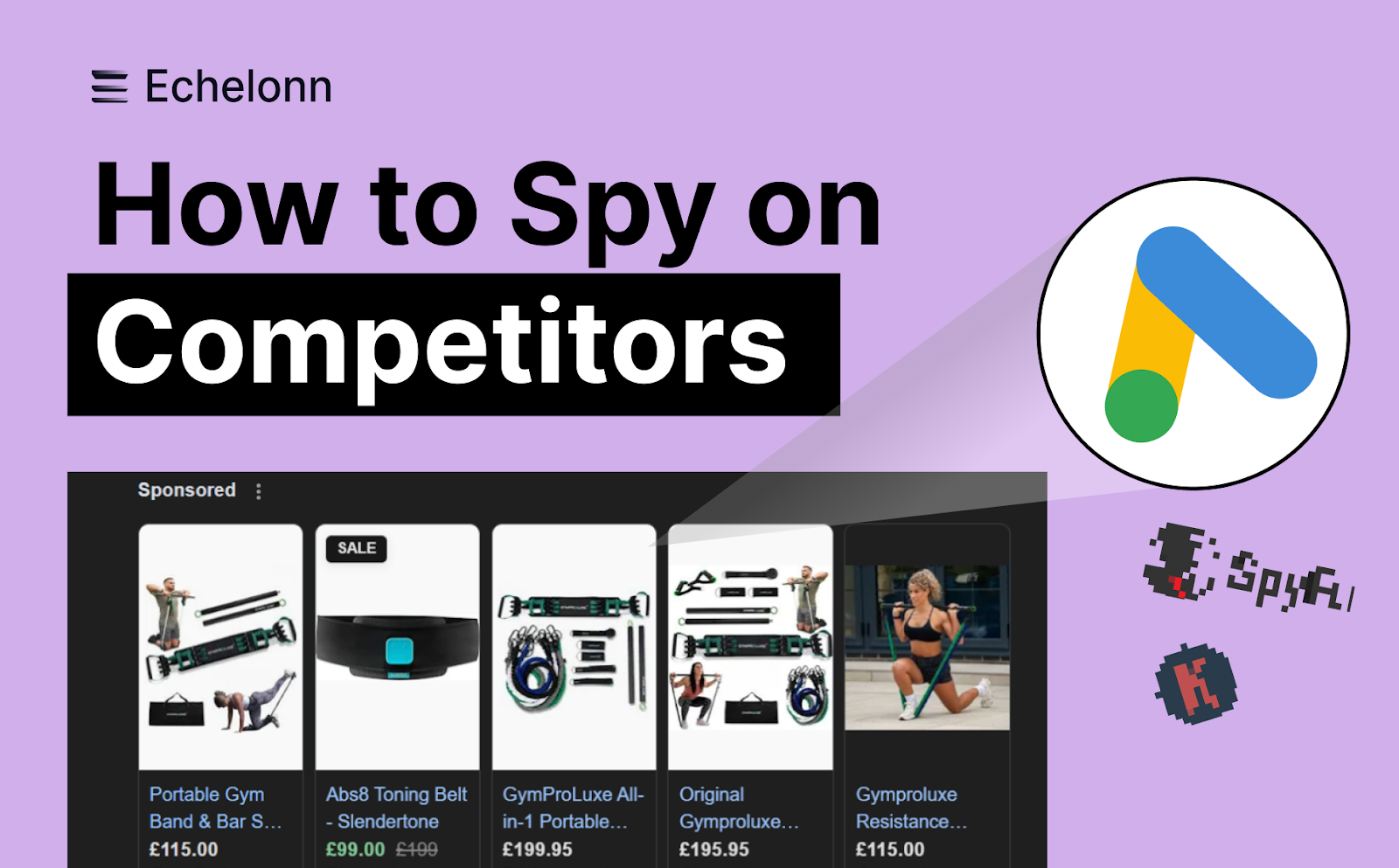
How to Spy on Competitor Google Ads: Complete 2025 Guide
%20(2).png)
7 Questions to Ask Before Hiring a Google Ads Consultant
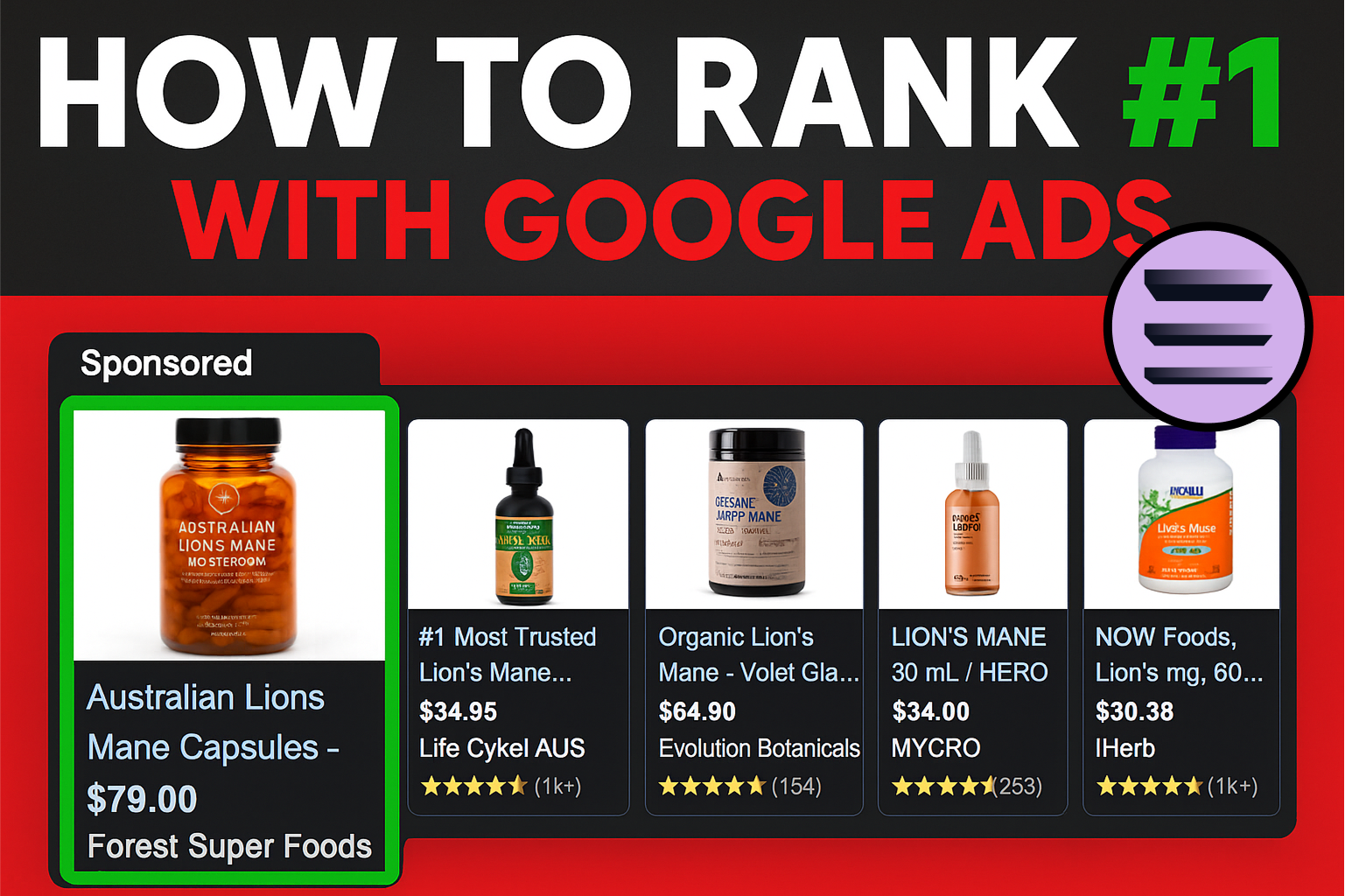
How to Rank #1 on Google Ads: Complete Shopping & Search Guide 2025
.png)
Learning Google Ads in 2025: The Roadmap Nobody Talks About
%20(1).png)
What Makes a Google Ads Specialist Worth $10,000/Month?

Why Cheap Google Ads Consulting Costs You $180,000+ in Lost Revenue
.png)
Why 99% of Google Ads Experts Fail (& How to Find One That Won’t)
.png)
5 Google Product Feed Fixes for eCom Growth
.png)
Google Ads Campaign Structure: Why 95% of Brands Waste Budget on Mixed Traffic

In-House vs Agency Google Ads: Which Delivers Better ROI in 2025?
.png)
How to Scale Google Ads With a Small Budget | Setup and Optimization

Google Shopping Optimization: 11 Proven Tactics for Maximum ROAS
%20(3).png)
eCom Growth Strategy: How We Scaled a Supplement Brand From $1.9M to $8.6M With Google Ads
%20(4).png)
Google Merchant Center Fix: How to Improve Rankings With Accurate Shipping Times

CTR Is Misunderstood by 95% of the PPC Industry (What to Optimise for Instead)
.png)
Google Ads AI | Manual vs Automated Campaign Performance

Complete YouTube Ads Guide 2025 | 3 Formats, 5 Principles, Proven Results
%20(2).png)
eCom Growth Strategy With Google Ads in 2025
.png)
Google Marketing Live 2025: 11 Key Takeaways for Marketers
%20(1).png)
YouTube Advertising Strategy: How to Drive Results Across Every Format
Google Shopping Feed Optimisation: Tips for Better Results

How Long Does it Take for Google Ads to Work?

Search Ad Strategies to Maximize Sales with Google ads for eCommerce (2024)

2025 Google Shopping Ads: Ultimate Guide, Benchmarks, and Pricing Breakdown

Maximizing ROI with Advanced Google Shopping Bid Strategies and Automated Bidding